Calculator
Turn on JavaScript to use the calculator, or use the chart below.

Why HRTs need their own math
A half-square triangle is easy because its seam runs from corner to corner of the square at 45 degrees, and the seam allowance adds the same amount to both sides. In a rectangle the diagonal is steeper, and the quarter-inch seam allowance measured along a steep line is not a quarter inch along the edges. The seam of a finished HRT passes through the two finished corners, a quarter inch in from both edges, but it does not hit the corners of the cut unit. On a 2 × 4 unit it leaves the short edge only an eighth of an inch from the corner.
For a finished width w and height h, with d the diagonal (the square root of w² + h²), the exact rectangle to cut is:
| Cut | Formula | For a 2 × 4 unit |
|---|---|---|
| Width | w + (w + h + d) ÷ 4h | 2.655 in |
| Height | h + (w + h + d) ÷ 4w | 5.309 in |
| Trim to | w + ½ by h + ½ | 2½ × 4½ in |
The exact rectangle always has the same shape as the finished unit (here, twice as tall as wide), and its sizes almost never land on a ruler line. That is why nearly everyone cuts HRTs oversized and trims. The calculator’s “cut to trim” size keeps the same shape, at least a quarter inch over the exact size, chosen so both numbers fall on an eighth of an inch where possible. Keeping the shape matters: a rectangle with the wrong proportions gives a triangle with the wrong angle, and no amount of trimming fixes that. For 1:2 units the rule works out to w + 1 by 2w + 2.
Left and right versions
HRTs come in two mirror-image versions, leaning one way or the other, and most designs need a specific one. Which one you get depends only on how you cut the rectangle. Lay the rectangles face up and cut every one from the lower left corner to the upper right for one version, or from the lower right to the upper left for the other. One light and one dark rectangle cut the same way make two matching units.
The classic mistake is cutting rectangles from fabric folded in half. The two layers face opposite ways, so one cut gives one of each version. If you want them all the same, cut from a single layer, or stack the fabrics all right side up.
Pairing the triangles
- Lay a light triangle and a dark triangle right sides together, long edges even.
- Slide them along that edge until each tip sticks out past the other by the offset the calculator shows (about ⅝ inch for 1:2 units, 13⁄16 inches for 1:3). The offset depends only on the shape of the unit, not its size, and it is the same at both ends. Use the same offset for triangles cut to trim: they make a slightly larger unit of the same shape, which you trim down.
- Sew a quarter-inch seam along the long edge without stretching it. Both edges are bias.
- Press toward the dark fabric, then trim to w + ½ by h + ½, with the seam running through the points a quarter inch in from two opposite corners. Mark those two points on a small ruler with tape and trimming goes quickly.
Printable HRT chart
Half-rectangle triangle cut chart (wtcquilt.com)
Cut one rectangle of each fabric per two units. Cut every rectangle face up on the same diagonal for matching units. Sizes are to trim, in inches.
| Finished unit | Cut rectangles (to trim) | Trim to | Tip offset |
|---|---|---|---|
| 1 × 2 in | 2 × 4 in | 1½ × 2½ in | ⅝ in |
| 1½ × 3 in | 2½ × 5 in | 2 × 3½ in | ⅝ in |
| 2 × 4 in | 3 × 6 in | 2½ × 4½ in | ⅝ in |
| 2½ × 5 in | 3½ × 7 in | 3 × 5½ in | ⅝ in |
| 3 × 6 in | 4 × 8 in | 3½ × 6½ in | ⅝ in |
| 3½ × 7 in | 4½ × 9 in | 4 × 7½ in | ⅝ in |
| 4 × 8 in | 5 × 10 in | 4½ × 8½ in | ⅝ in |
| 5 × 10 in | 6 × 12 in | 5½ × 10½ in | ⅝ in |
| 6 × 12 in | 7 × 14 in | 6½ × 12½ in | ⅝ in |
| 1 × 3 in | 1⅞ × 5⅝ in | 1½ × 3½ in | 13⁄16 in |
| 1½ × 4½ in | 2⅜ × 7⅛ in | 2 × 5 in | 13⁄16 in |
| 2 × 6 in | 2⅞ × 8⅝ in | 2½ × 6½ in | 13⁄16 in |
| 3 × 9 in | 3⅞ × 11⅝ in | 3½ × 9½ in | 13⁄16 in |
Related tools and blocks
For half-square triangles and flying geese, use the half-square triangle calculator; the step-by-step for HSTs is in how to make half-square triangles. HRTs make tall star points and mountain rows, and they work well beside flying geese. To scale a whole block up or down first, see the block resizer.
You might also like
 Half-square triangle calculatorCut sizes for half-square triangles, hourglass units and flying geese, by method.
 Printable quilt plannerA project sheet with fabric and cutting lists, a block tally, a layout grid drawn to your rows and columns, and a setting triangle chart.
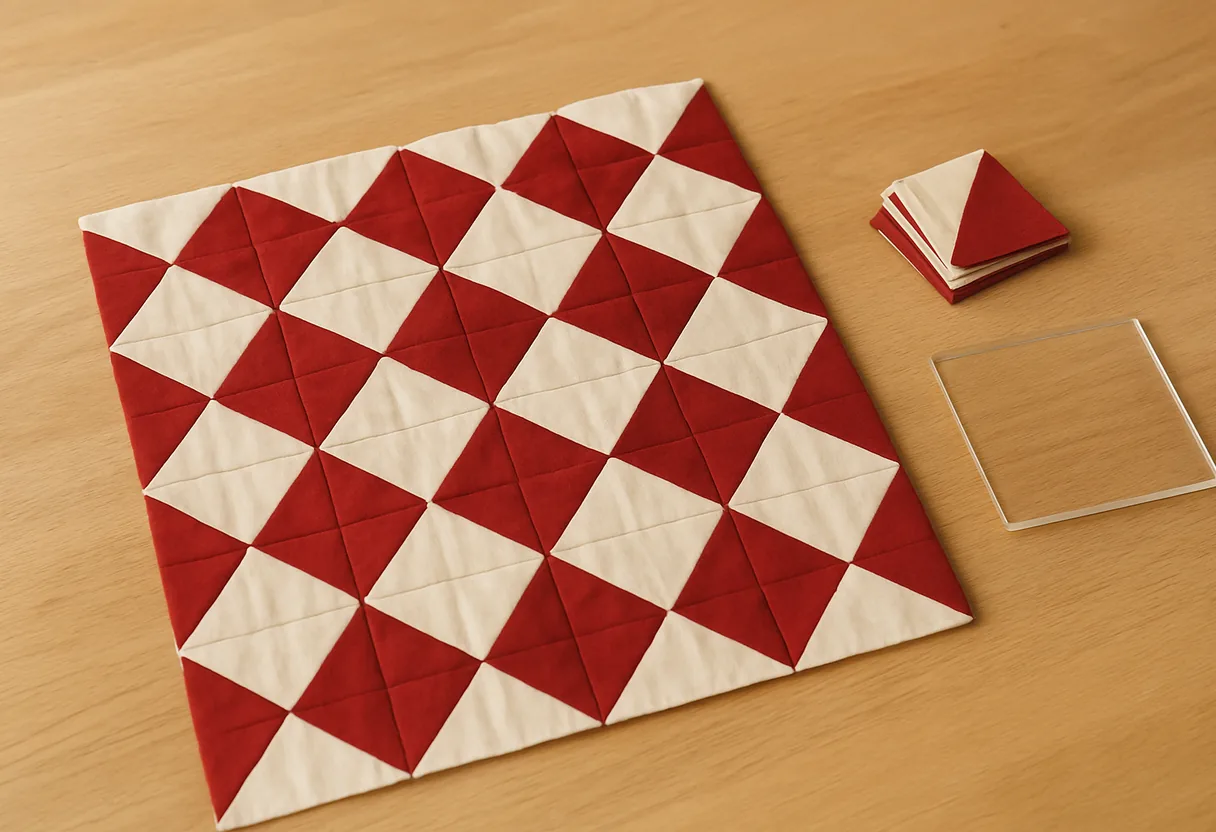 How to make half-square trianglesThe 2-, 4- and 8-at-a-time methods, a cut-size chart for each and how to trim.
 Setting triangle calculator for on-point quiltsSide and corner triangle cuts, counts and finished size for blocks set on point.